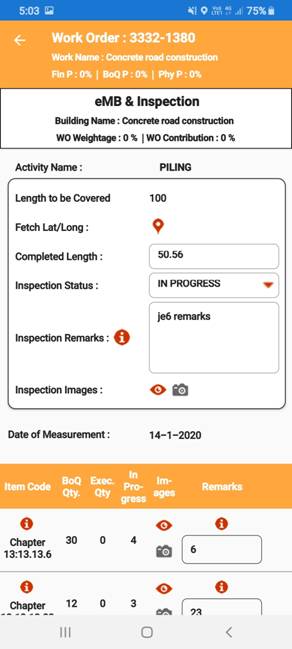
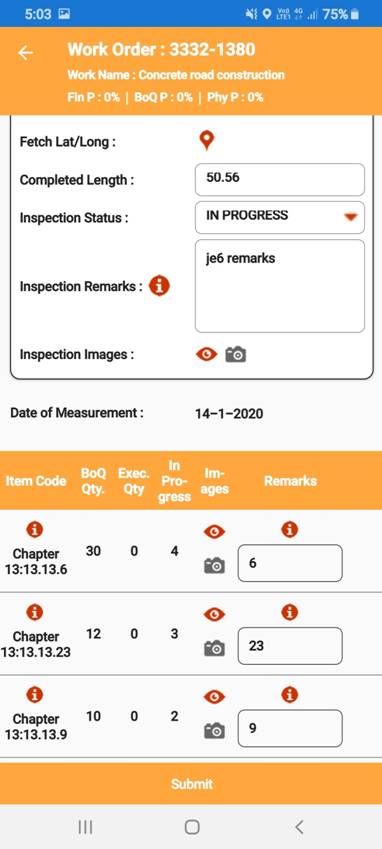
i. Notification List
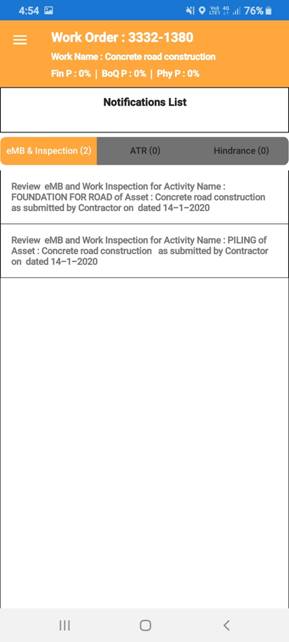
ii. Selecting on notification opens eMB & Inspection view,
iii.
User can able to verify inspection remarks selecting on ”i”symbol,
iv.
User can able to verify inspection and work progress images by selecting
camera symbol